-
-

-
-
-
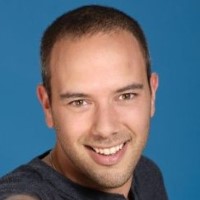
Aangewakkerd door rauwe techniek, wetenschappelijk medisch onderzoek met maatschappelijke bijdrage en complexe uitdagingen waarbij detail en overzicht hand in hand gaan.
In 1991 begonnen met software bouwen en sinds 2014 als zelfstandig ondernemer gestart met het bureau MirDesign.
-
-
-
 Technical Lead
2008 - 2014 -
 Technical Specialist 3
2007 - 2014 -
 Scientific Programmer
2006, 2014 - heden -
 Full-Stack developer
2021 - 2022 -
 Freelance tekstschrijver
2016 -
 AWS/Python developer
2022 -
 C# / Python / Architect
1989 - heden -
 MirAge - DNA analyser
2015 - heden -
Artikelen lezen:
-
